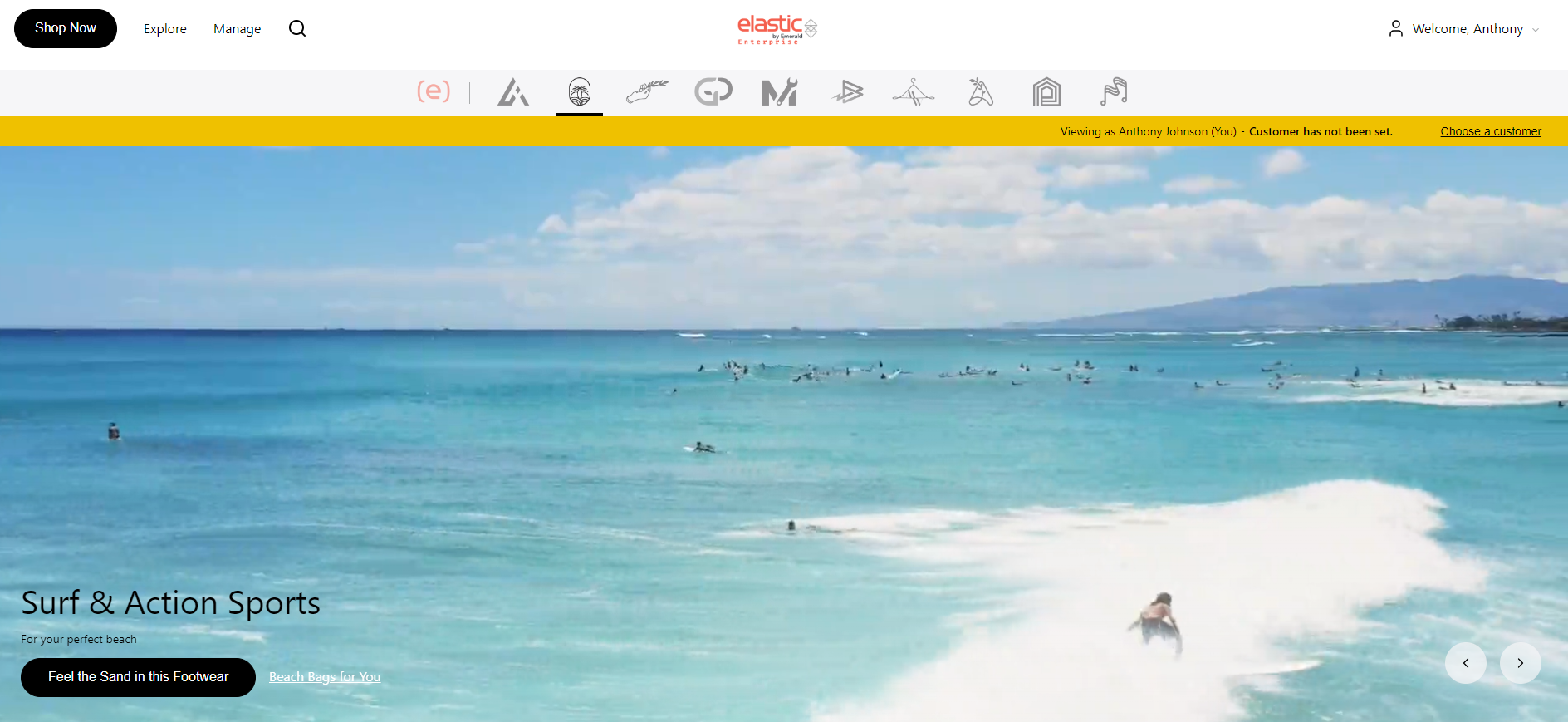
Our support pages have been provided in English, to translate to your desired language you can use the built-in translate function in Chrome or Firefox.
Setting Explore Page Marquee Theme to Light or Dark
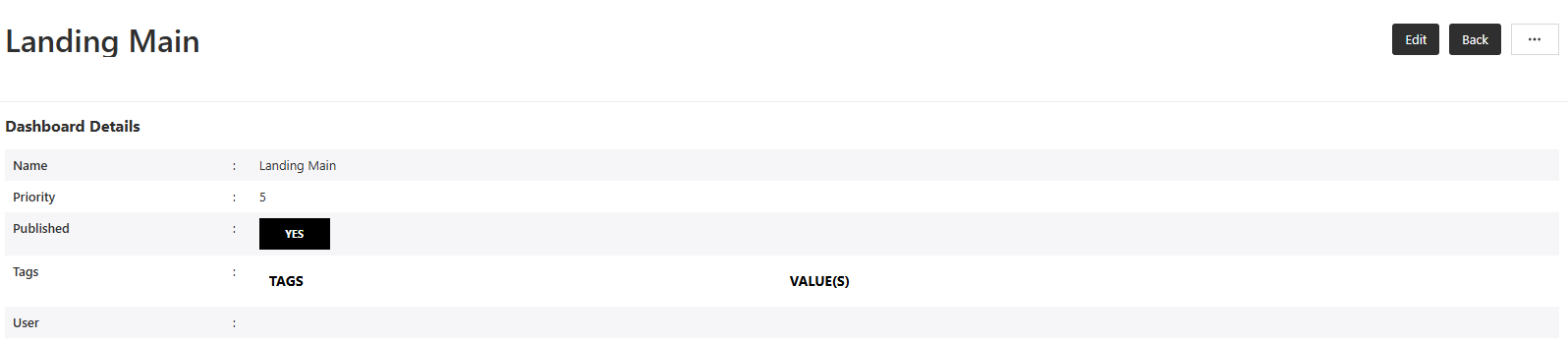
The theme of dashboards can be set to either Dark or Light. This setting can be set or edited in the Elastic Admin by clicking 'Dashboards' under the 'Dashboard Builder' menu and selecting the dashboard and choosing the 'Edit' option from the top right corner.
In the 'Marquee Slides' section you can select the check box for Dark theme or deselect the check box for Light theme. Dark theme is meant for darker images and light theme is meant for lighter images.
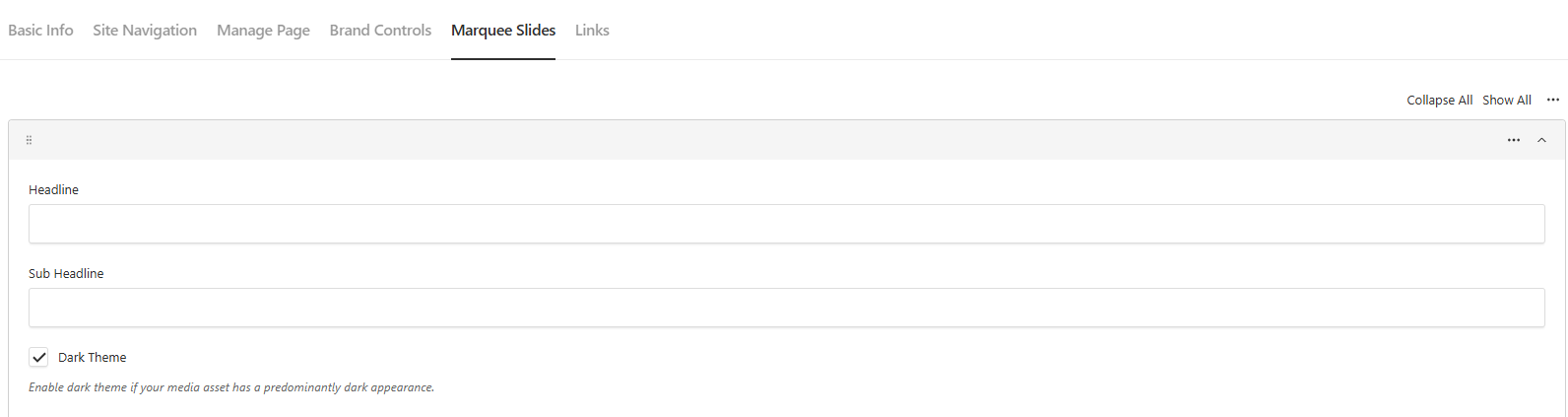
Example of Dark Theme:
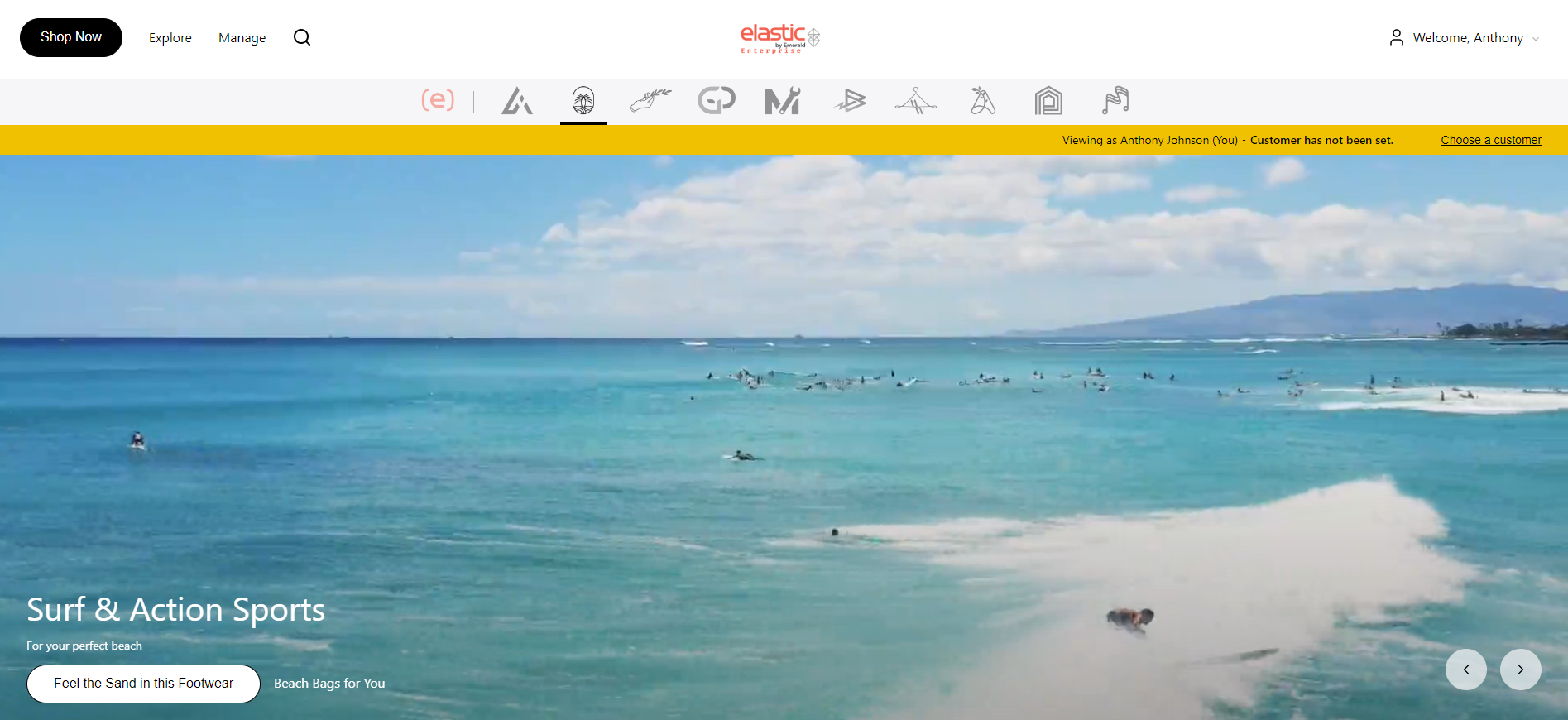
Example of Light Theme: