Our support pages have been provided in English, to translate to your desired language you can use the built-in translate function in Chrome or Firefox.
Select a Catalog Screen
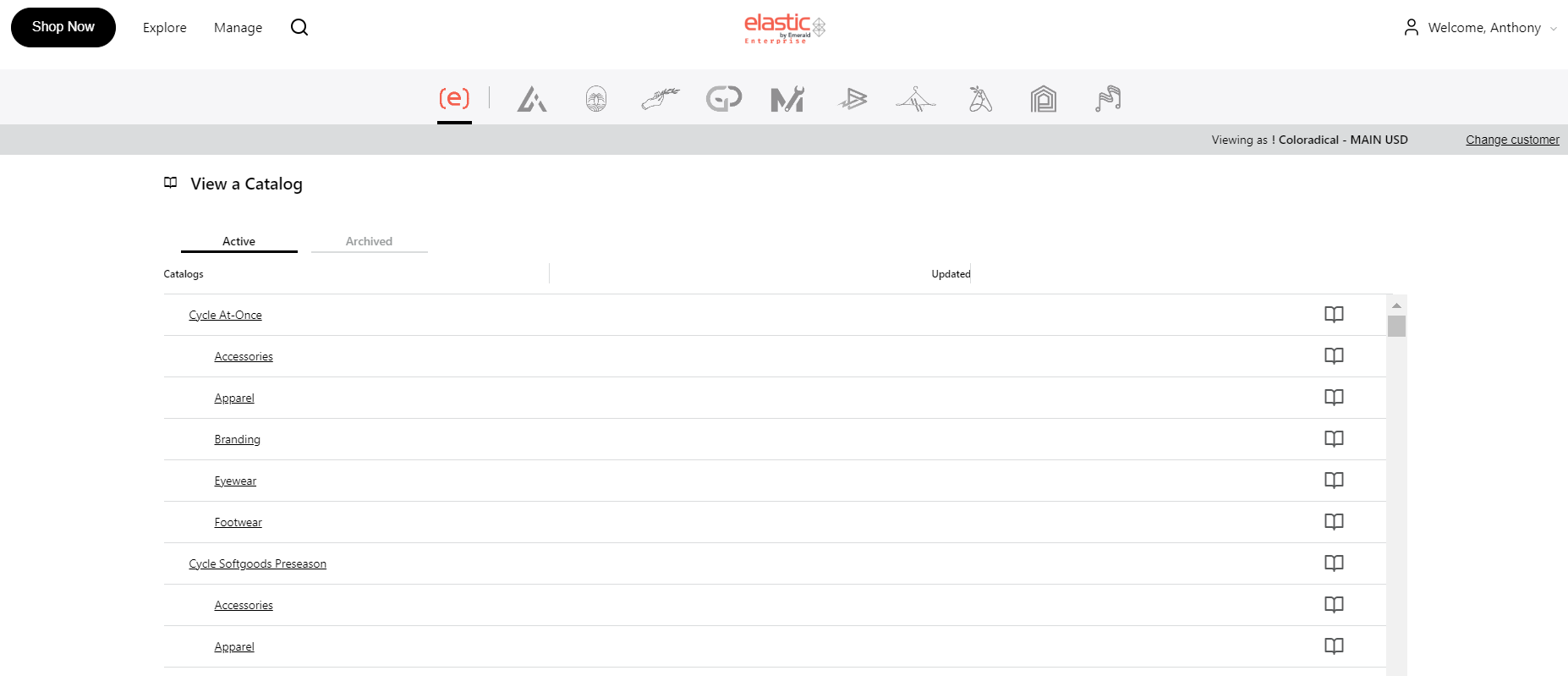
The 'Select a Catalog' screen lists all the catalogs you have access to. You will also see the different categories within a catalog. To access any catalog, click the link or the catalog button on the right. Clicking a subcategory will take you to the selected catalog, but pre-filter the products to show only the option selected.
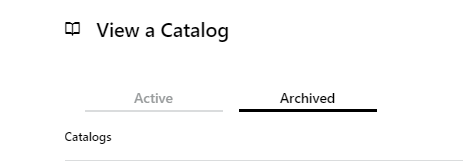
The 'Archived' tab is where you will see all catalogs that are no longer active catalogs. This option is only available if the brand has decided to include an archive.