Our support pages have been provided in English, to translate to your desired language you can use the built-in translate function in Chrome or Firefox.
Downloads
Print Jobs are now called Downloads on the new elastic Admin Portal.
This section will display all print jobs made on your portal along with the Name, Author Name, Created at, Completed at, Type, Catalog related to the document and State of each print job.
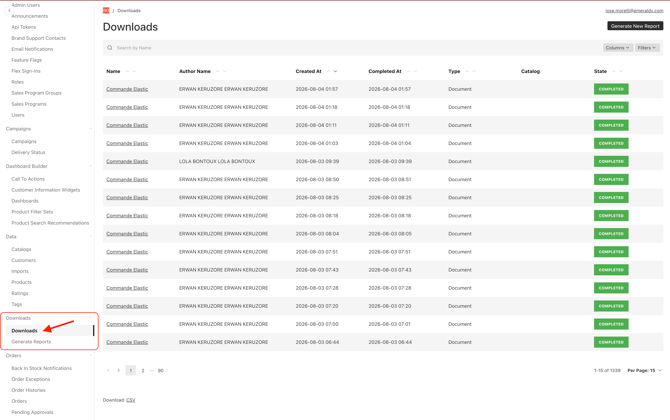
There are three different states your print job can display as:
-
Running (your print job is processing)
-
Completed (your print job successfully processed)
-
Error (your print job was unable to be processed)
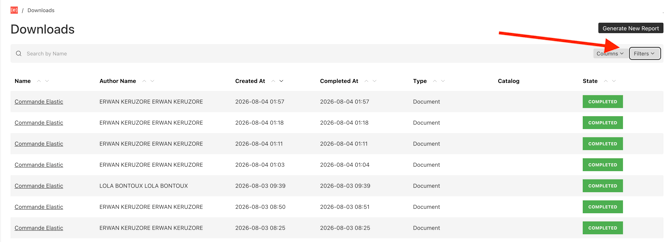
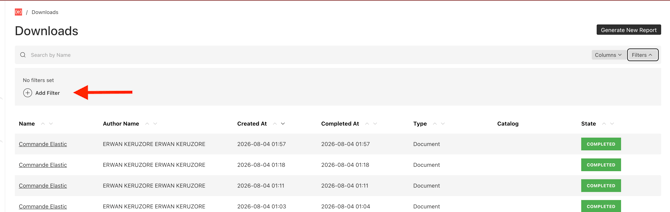
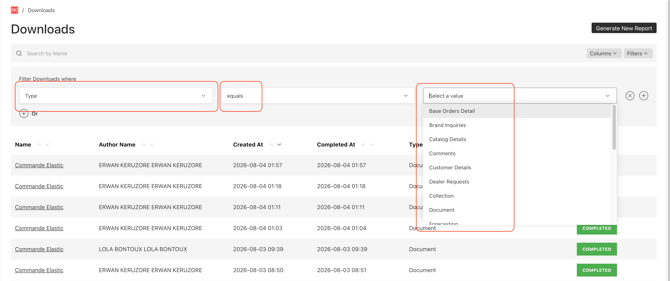
You can filter the table by using the interactive filters above the table to help find specific print jobs.