
Our support pages have been provided in English, to translate to your desired language you can use the built-in translate function in Chrome or Firefox.
Orders
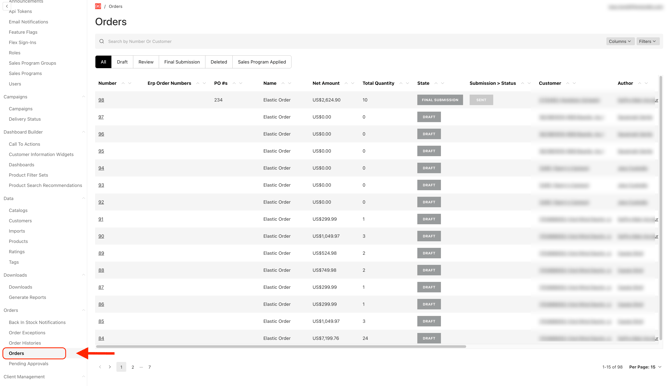
This page displays all active orders, including order number, name, price, quantity, customer, and current status (draft, review, or final submission). Click an order number to view its full details.
Submitting Orders
To move an order from Review or Draft to Final Submission, open the order, confirm the details, then click the 'Submit Order' button in the top right corner.
