
Our support pages have been provided in English, to translate to your desired language you can use the built-in translate function in Chrome or Firefox.
Markdown Formatting for Announcements
Elastic announcements can be used to communicate important information to your customers. The announcement will show up on the main landing page, on a yellow background, or on the checkout page.
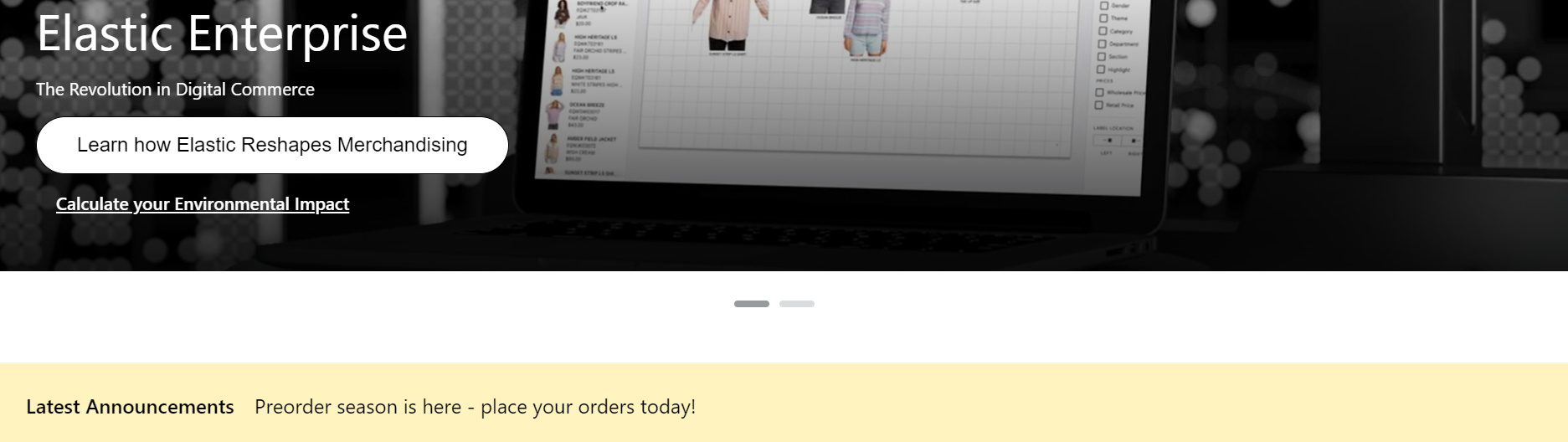
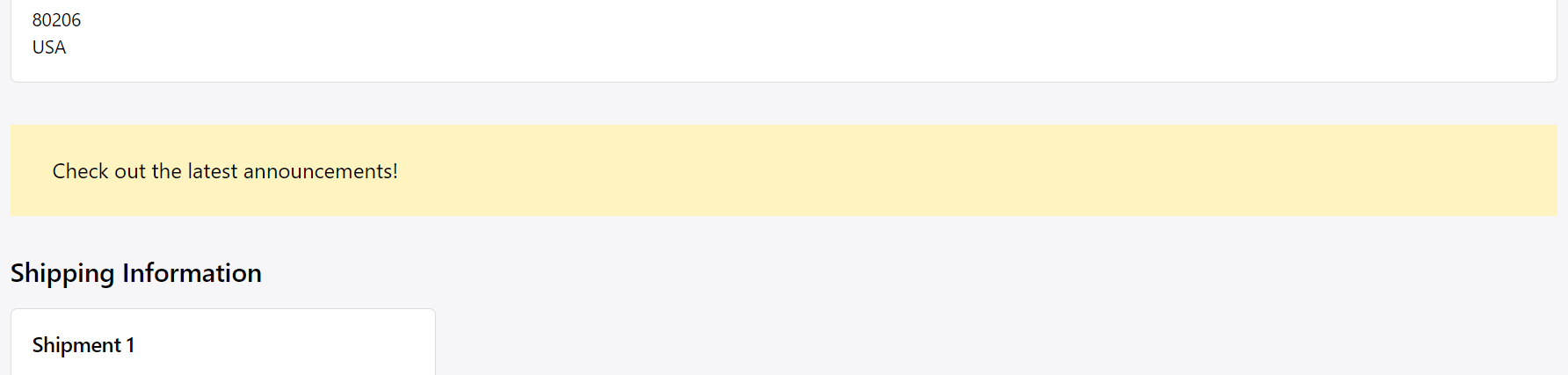
The brand admins can add new announcements or edit the existing ones under 'Admin' - 'Announcements'. They can configure the announcement text, start and expiration date, priority, location and tags to determine which customers will see the announcement.
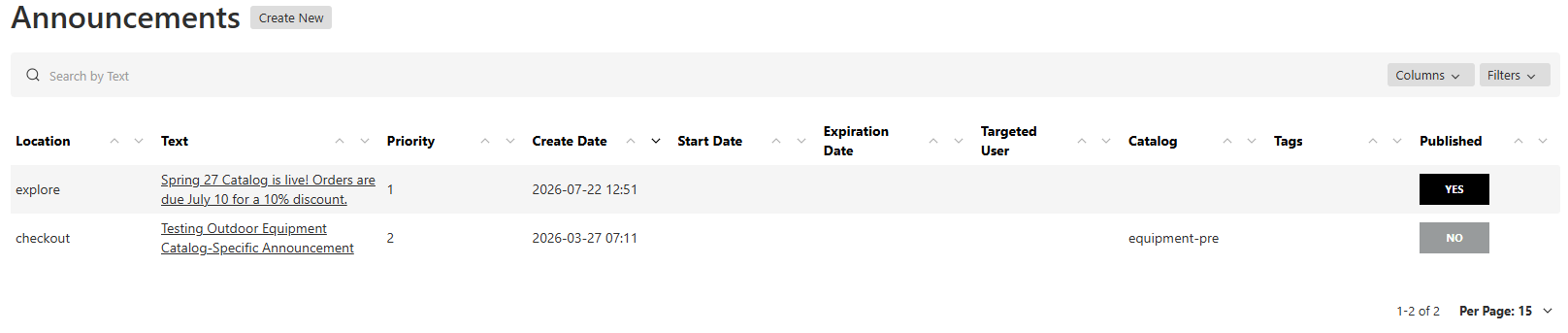
Admins can add formatting to the announcements on the Explore page or Checkout screen using markdown syntax. Here is a list of options and the syntax required to format the text. Other formatting options are possible, but they could lead to complications with the display of the announcement, so we encourage simplified messages. To preview your formatting, publish and assign the Announcement to a test user to view it on the Elastic site.

| Element | Syntax |
Display |
| Bold | **Elastic** | Elastic |
| Italics | *Elastic* | Elastic |
| Bold and Italics | ***Elastic*** | Elastic |
| URL Link | Check out [Elastic Suite!](https://www.elasticsuite.com) ***No space between the brackets*** | Check out Elastic Suite! |
| Bullets/Lists | - First item
- Second item - Third item - Indented item - Indented item - Fourth item |
• First item • Second item • Third item ◦ Indented item ◦ Indented item • Fourth item |
| Line Break | Two spaces are required on the previous line of text, followed by the characters with two spaces. This would be a line break |
This would be a line break |
| Header |
Header --- Large Header === |
HeaderLarge Header |