
The Reports section gives admin users the ability to export operational data across orders, products, users, sales programs, and media assets. Each report can be generated in either XLSX or CSV format and supports a range of filters, such as date ranges, regions, catalogs, and customers, so you can scope the export to exactly what you need.
To generate a report, navigate to the Reports page, find the report you want under its category, click "Generate Report", select your format and filters in the pop-up window, and submit the request.
Completed exports are available under the Downloads section once processing finishes.
Orders & Fulfillment
These reports cover operational data related to orders, fulfillment, and returns.
-
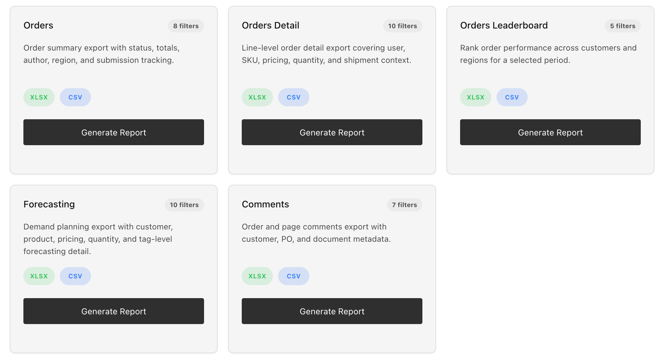
Orders report gives a summary-level export of order activity, including status, totals, submitting author, and region, and supports filtering by date range, regions, catalogs, customers, status, and order type.
-
Orders Detail report drills into line-item data, covering user, SKU, pricing, quantity, and shipment context, with additional filters for ERP order numbers and document numbers.
-
Orders Leaderboard ranks order performance across customers and regions for a selected period, useful for comparative performance reviews.
-
Forecasting report supports demand planning with customer, product, pricing, quantity, and tag-level detail, filterable by group code.
-
Comments report exports order and page comments along with customer, purchase order, and document metadata.
Products & Catalog
These reports focus on catalog and product-level data.
-
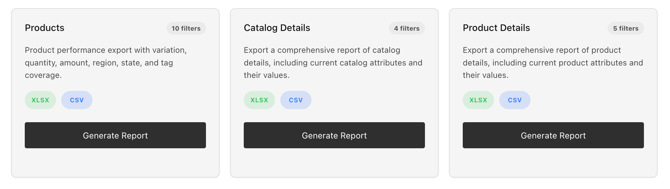
Products report exports product performance data, including variation, quantity, amount, region, state, and tag coverage, with an option to include seed data.
-
Catalog Details exports current catalog attributes and their values, filterable by catalog, type, region, and season.
-
Product Details exports current product attributes and values, and can be filtered by region, catalog, catalog key, product name, or item number.
Users & Reps
These reports provide visibility into user and representative accounts.
-
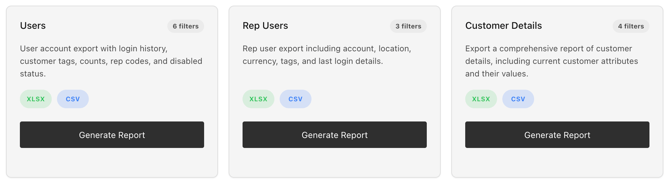
Users report exports account data including login history, customer tags, counts, rep codes, and disabled status, with a required date range or an all-time option.
-
Rep Users exports representative-specific details such as account, location, currency, and last login, filterable by customer number, region, and group code.
-
Customer Details exports current customer attributes and values, with name and number filters that support flexible match types.
Sales Programs
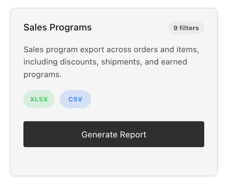
The Sales Programs report exports program performance across orders and items, including discounts, shipments, and earned programs, filterable by date range, region, catalog, customer, status, and order type. It's useful for evaluating promotional effectiveness.
Assets & Media
These reports support media asset health checks.
-
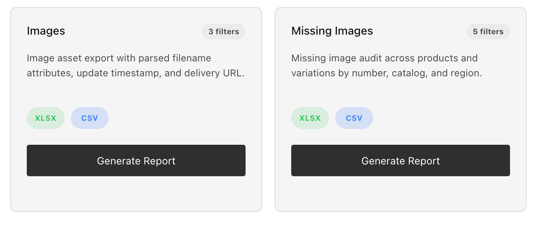
Images report exports image asset data, including filename-parsed attributes, update timestamps, and delivery URLs, filterable by date range and style.
-
Missing Images audits products and variations lacking images, organized by item number, catalog, and region, helping teams prioritize content gaps.