Our support pages have been provided in English, to translate to your desired language you can use the built-in translate function in Chrome or Firefox.
Admin Users
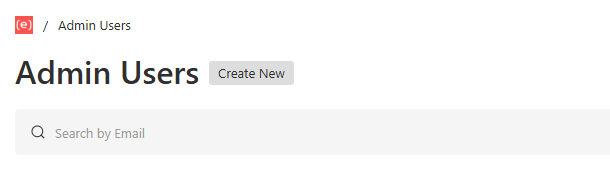
This page is where you'll view/edit all things pertaining to the Admin Users. This is where you can add or delete users, make edits to your admin user import notification levels, time zones or roles, or force a password reset upon the next login.
- To add a new user, click the 'Create New' button next to the page header.
- To make admin user changes, click the user you want to edit and select 'Edit'.
- To delete a user, go to the hamburger menu in the top right corner and select 'Delete'.