Our support pages have been provided in English, to translate to your desired language you can use the built-in translate function in Chrome or Firefox.
Quick Order Image Zoom and Product Display Pop-up (PDP)
You can now easily zoom in on an image in the Quick Order builder, as well as access the Product Display Pop-up (PDP) with a quick mouse click.
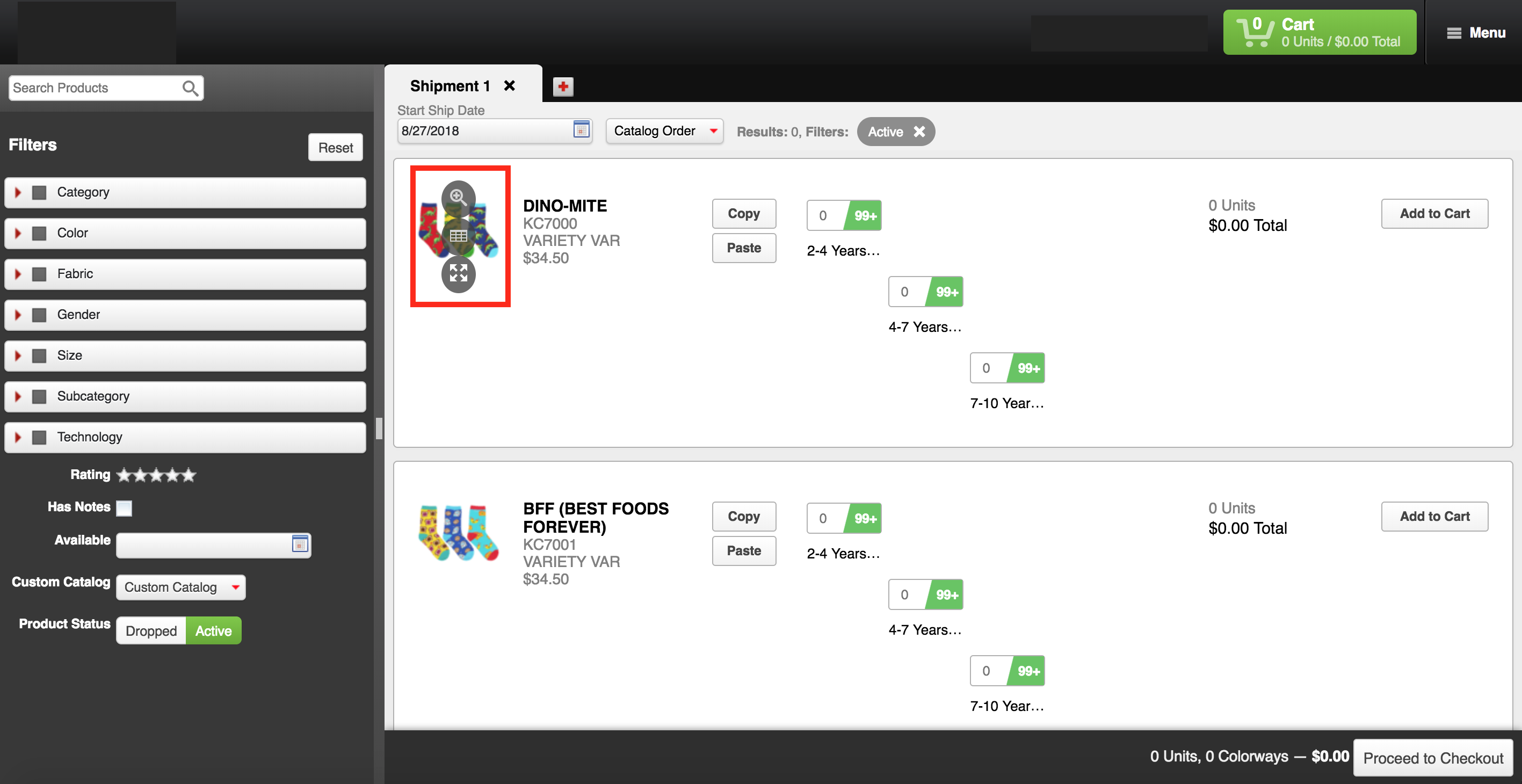
Quick Order Image Zoom
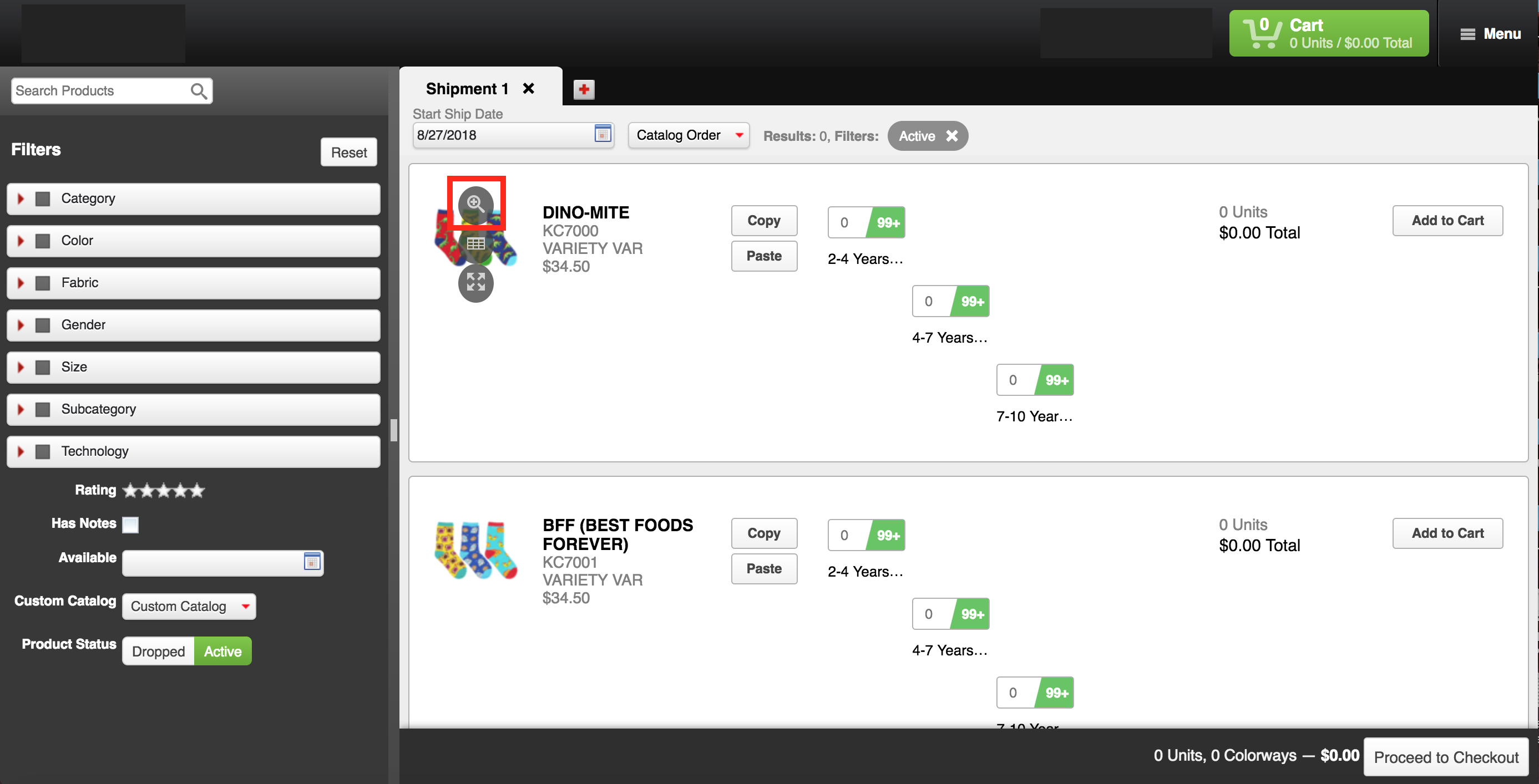
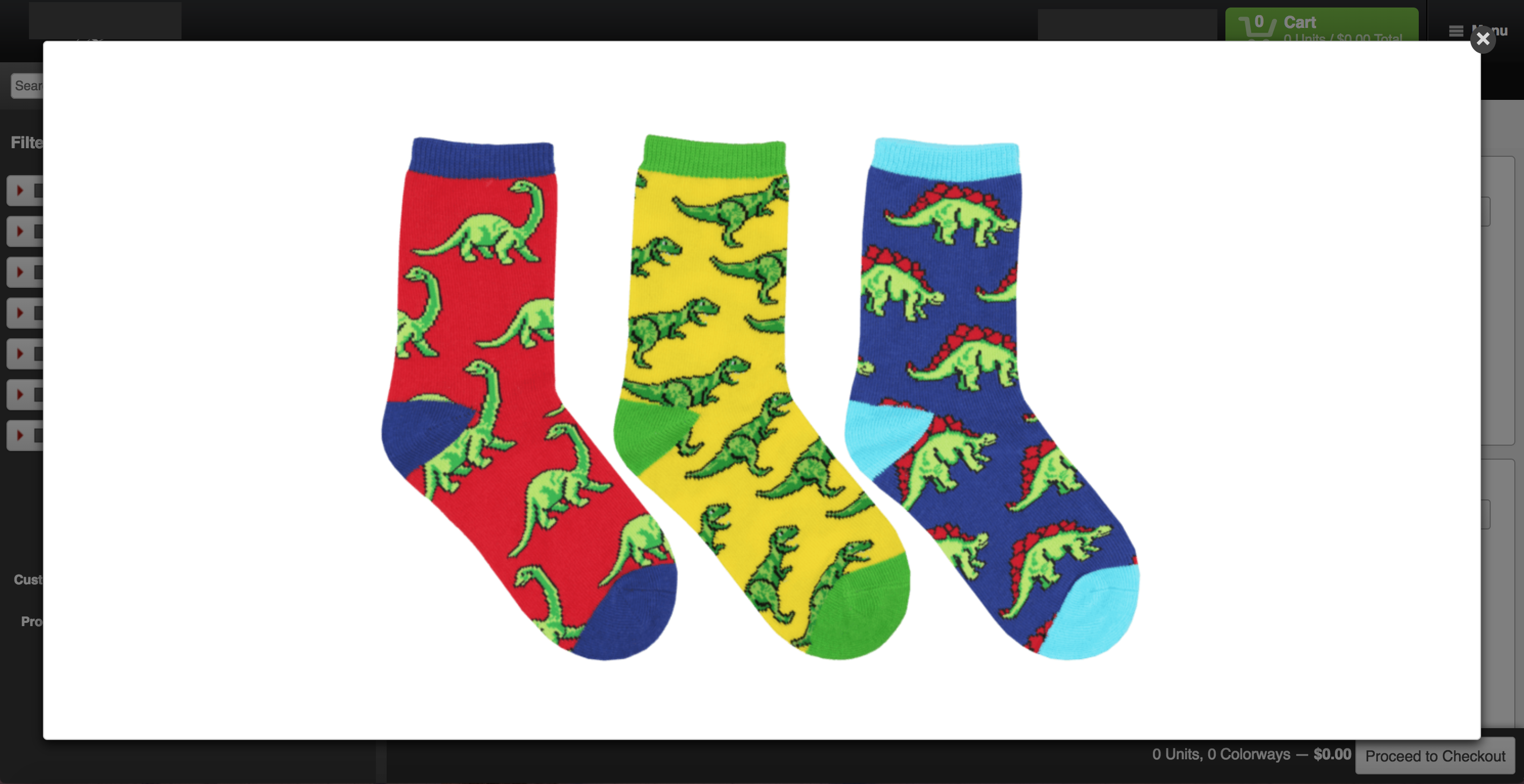
From the Quick Order builder, drag your mouse over the product image to expose a tool-tip. Click the top button to open an image zoom feature:
Availability
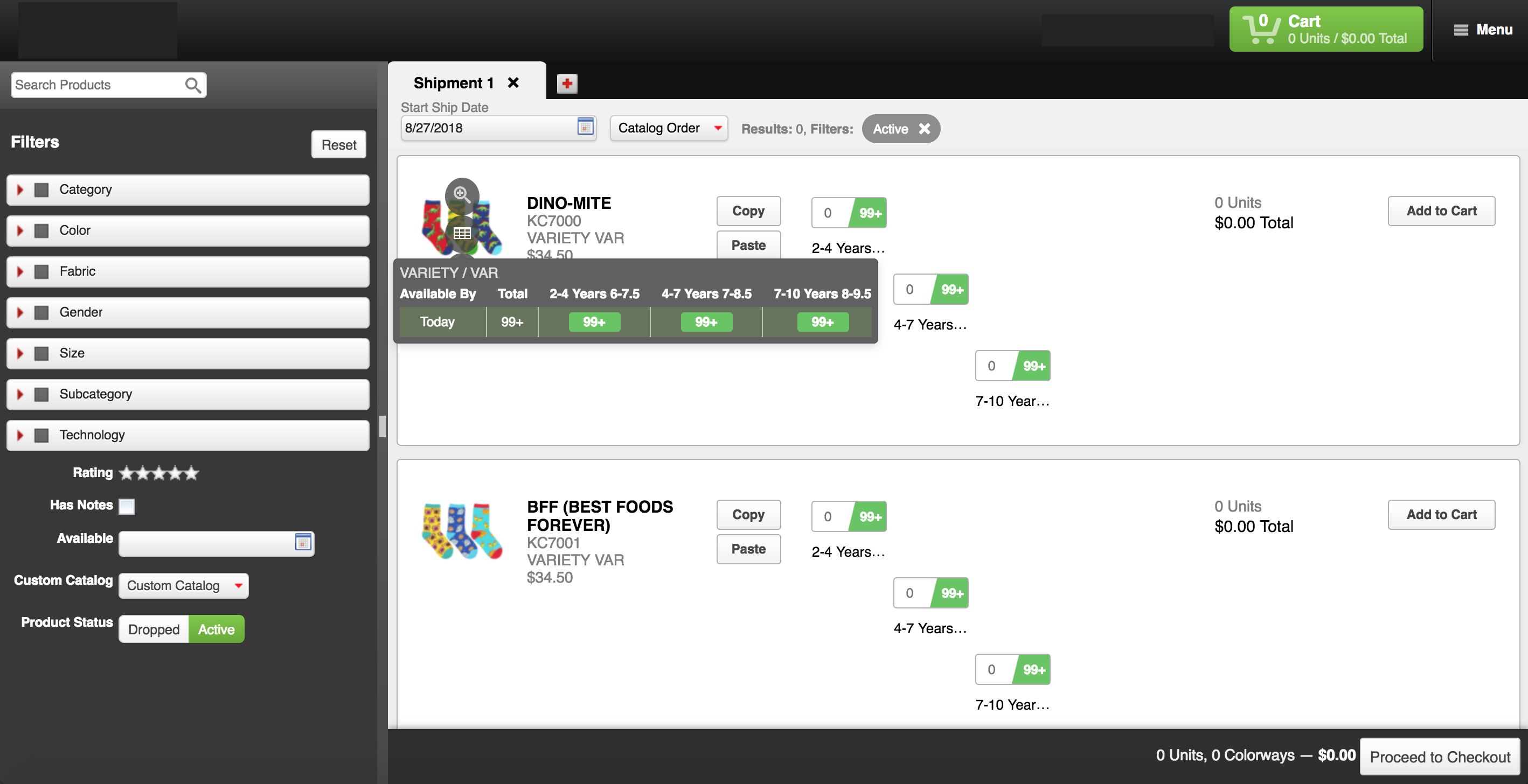
Drag your cursor over the middle button and an availability table will appear:
Product Display Pop-Up (PDP)
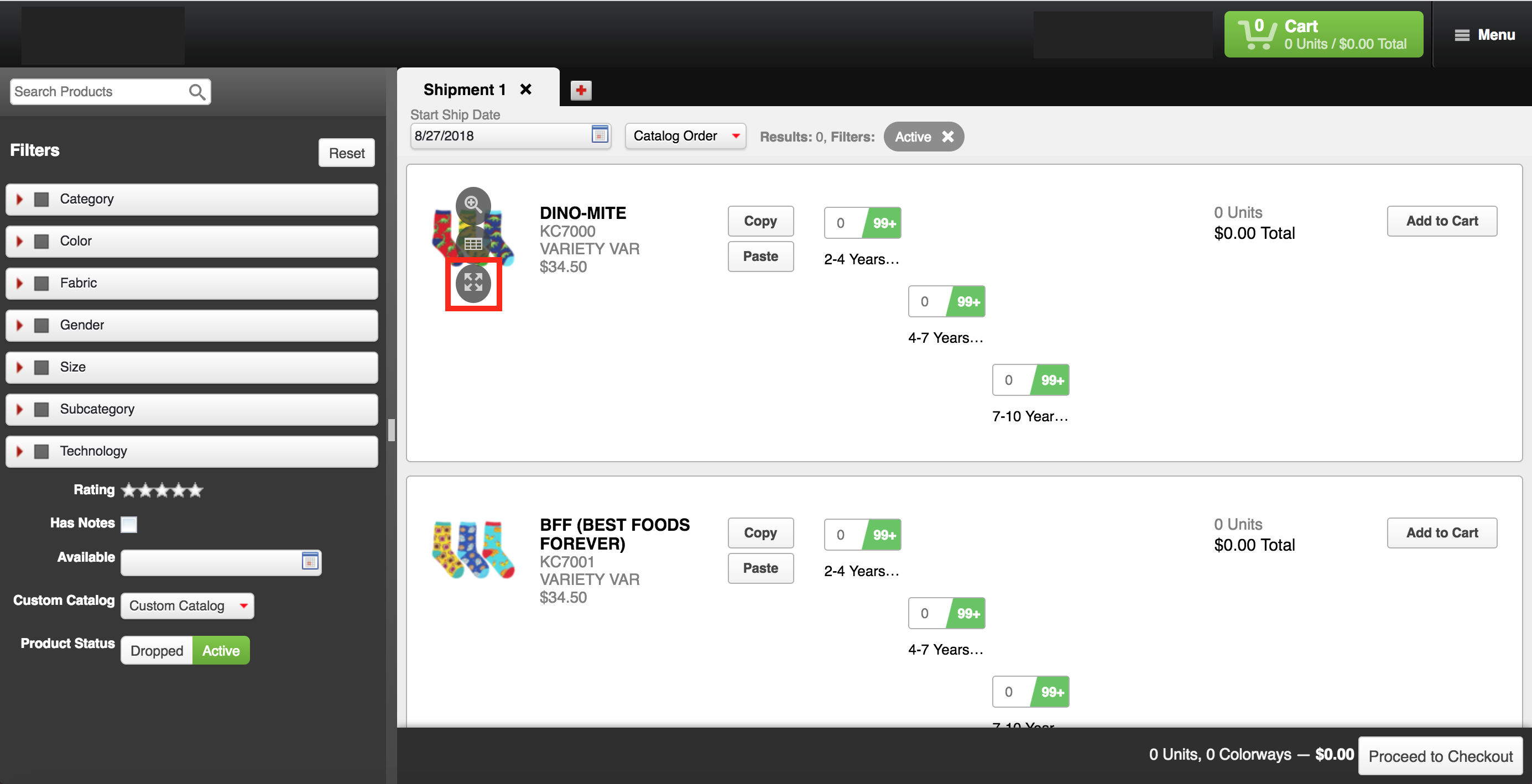
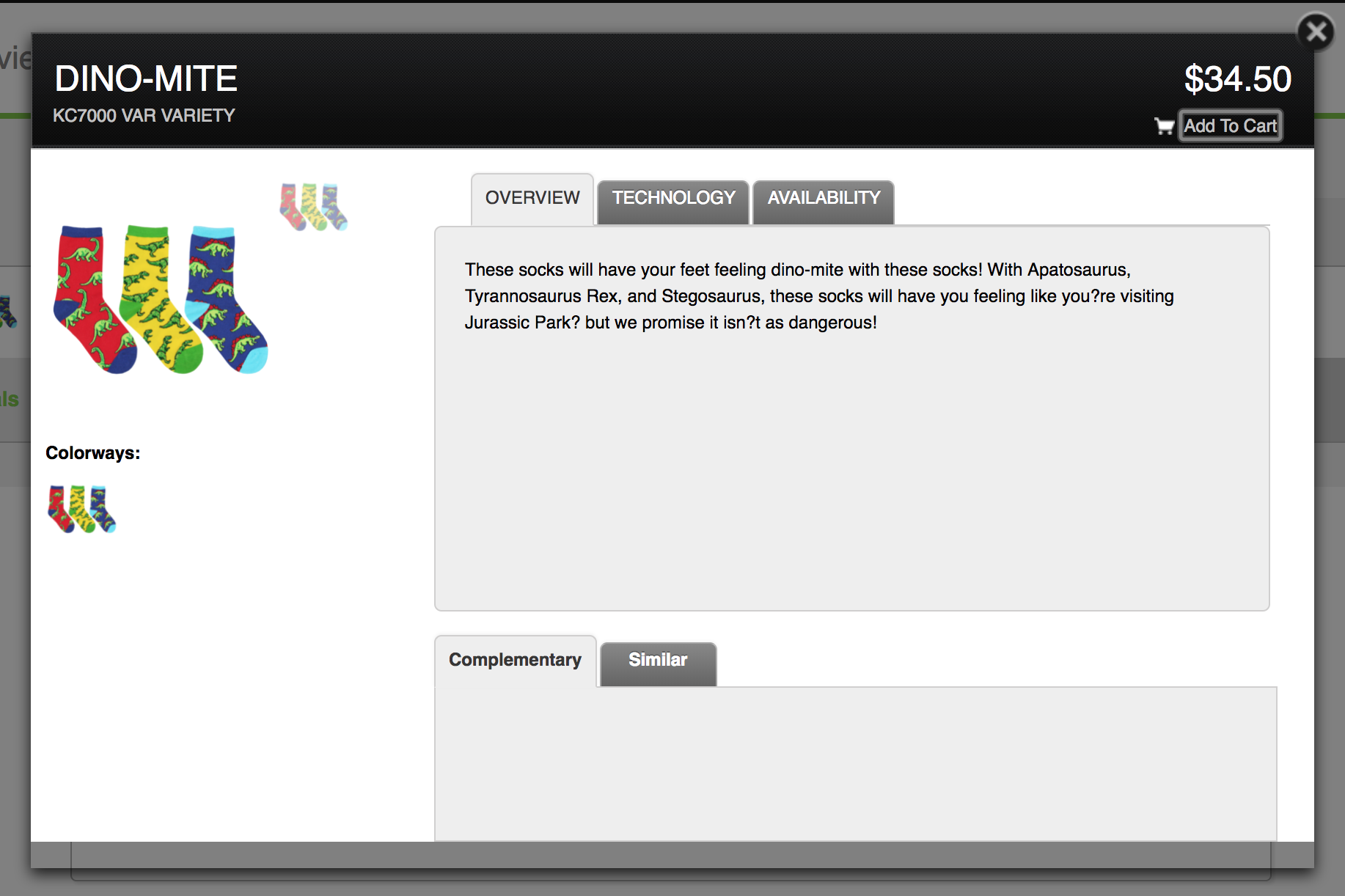
Drag your cursor over the bottom button to access the Product Display Pop-Up or PDP. Here, you can find detailed product information, such as: product descriptions, features, technology info, and availability:
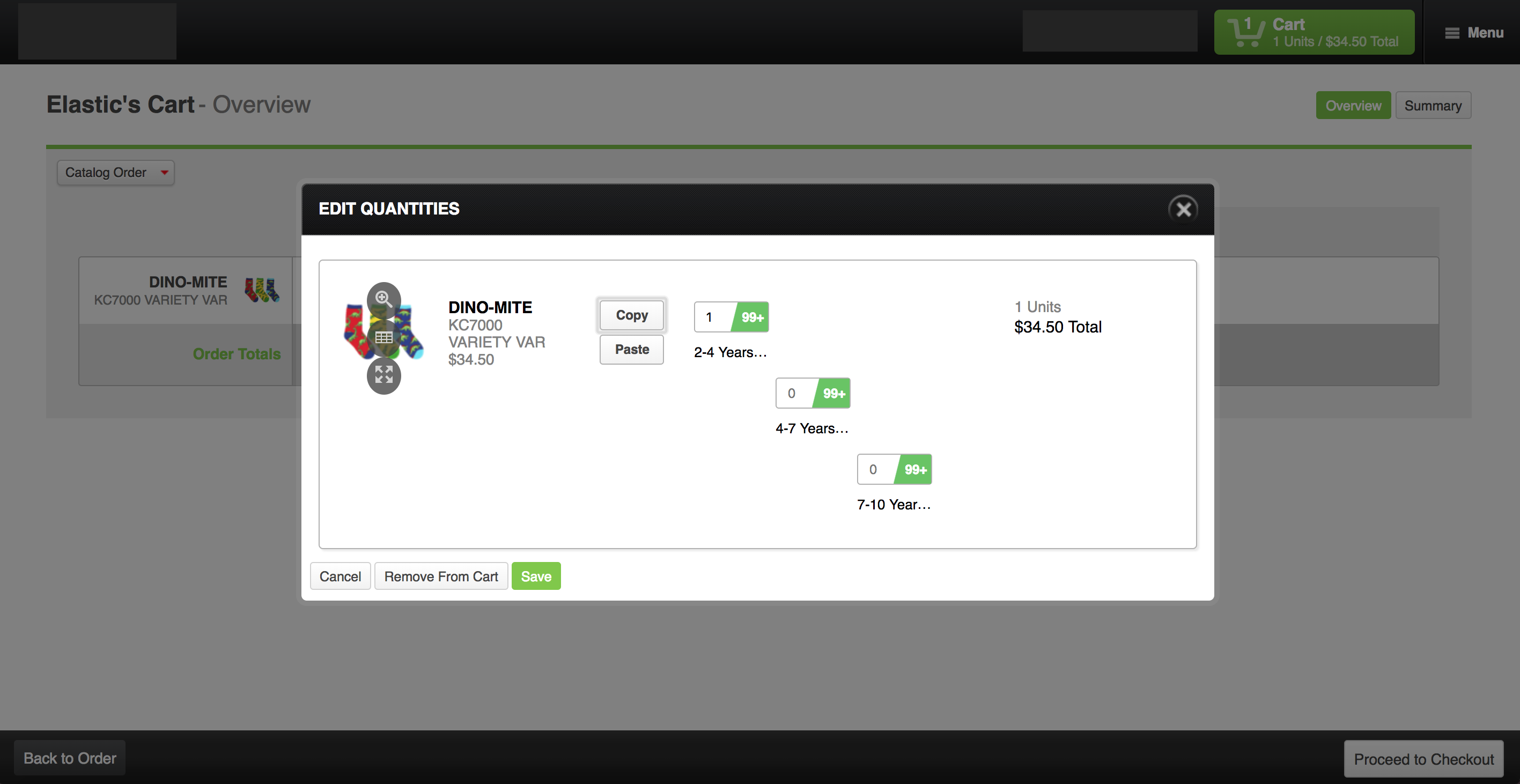
Cart Summary and Overview
This feature can also be found on your cart overview and summary page: