Our support pages have been provided in English, to translate to your desired language you can use the built-in translate function in Chrome or Firefox.
Media Pack
The Media Pack is a new feature for Release 6.1.4. It allows the user to find all relevant asset data from a given order and package them into a zip file, which will then be download to the user's computer. This relevant data includes: all product images, catalog assets, relevant category assets, product videos, and technology assets.
To Create a Media Pack
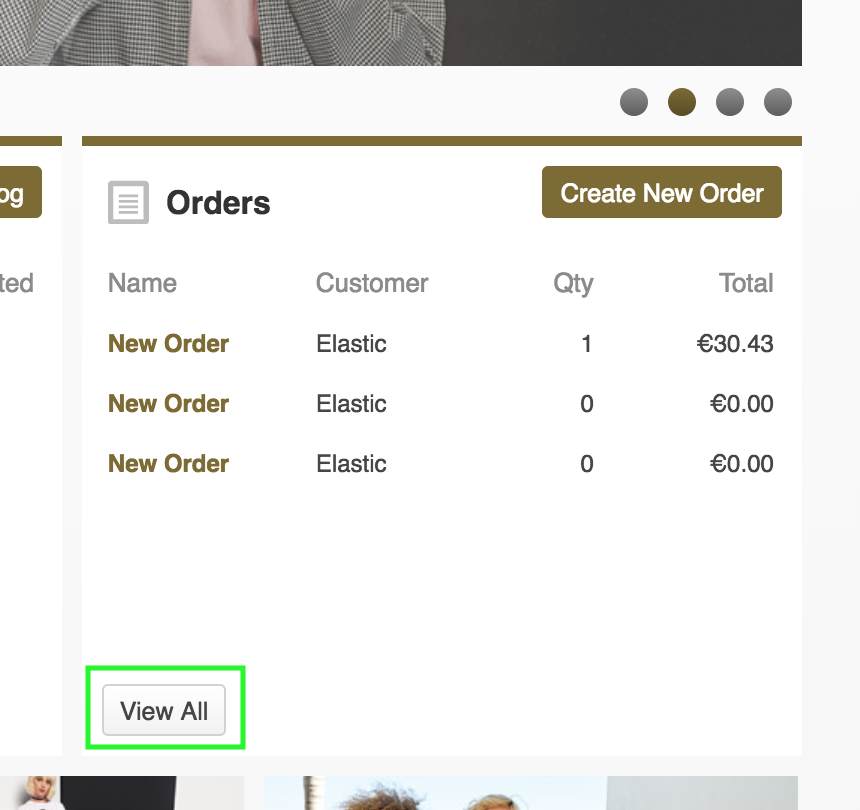
1. Click 'View All' in the Order Widget
2. Click the 'Media Pack' icon on the order info bar (far right):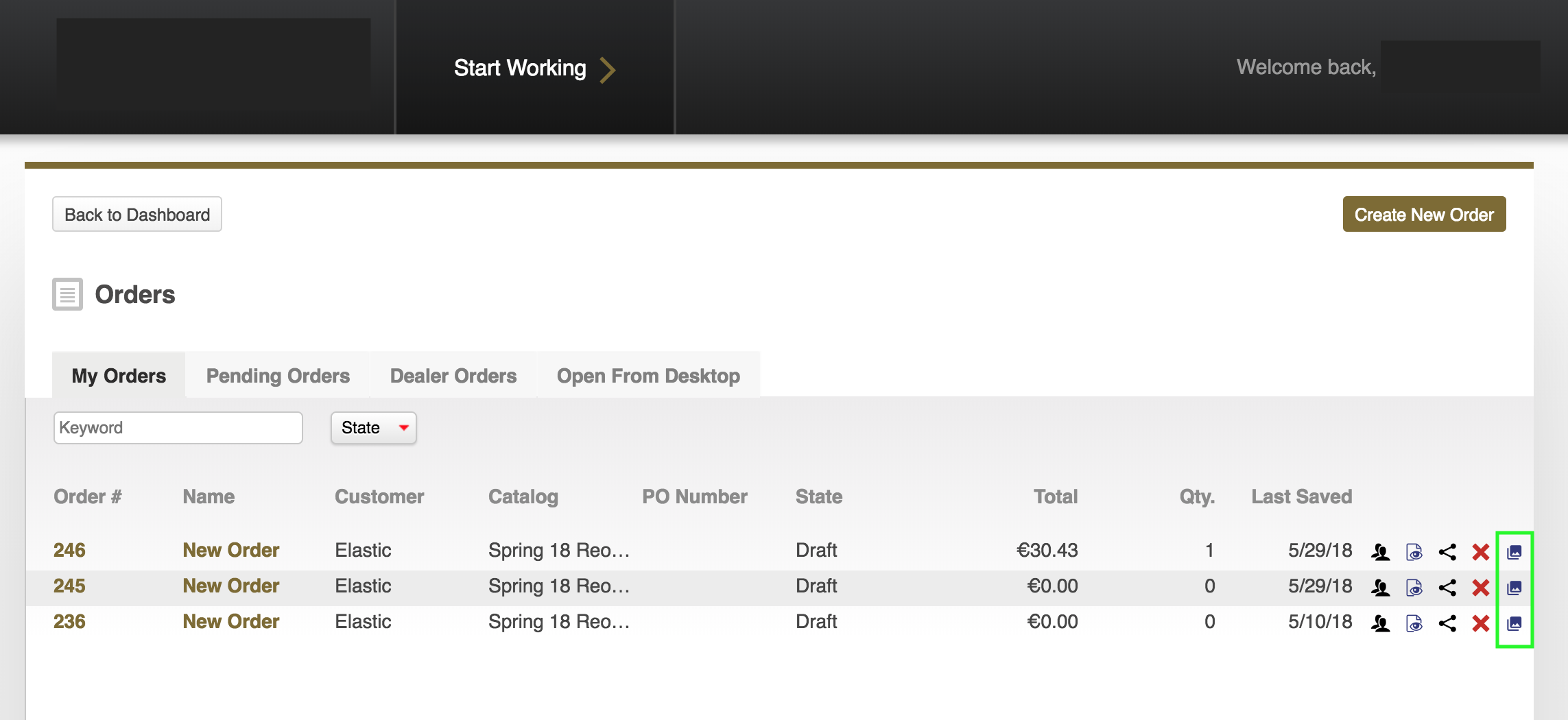
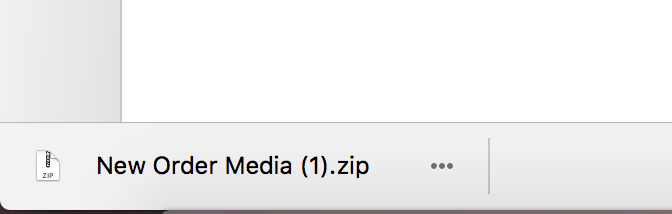
3. Watch for the Media Pack zip file, which will download to your computer. The zip file will be organized into folders by asset type: