Our support pages have been provided in English, to translate to your desired language you can use the built-in translate function in Chrome or Firefox.
Export PDF from Orders Widget
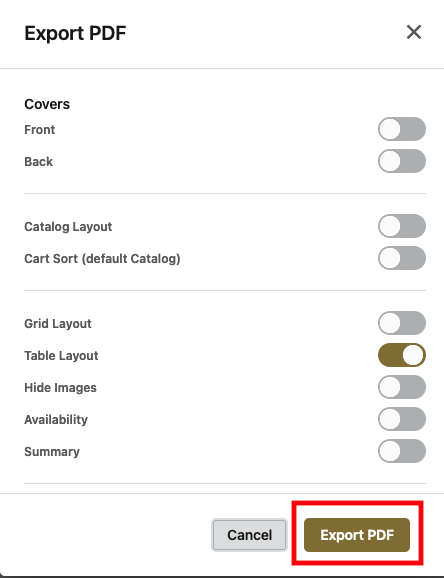
Now available from the orders widget is the ability to Export PDF without opening your order and selecting it from the menu. You will now see on the far right of the orders widget several actions, selecting the PDF button will open the export PDF options.

Select your options using the sliders and then Export PDF. It will then be available to download from the Print Jobs once complete.