
Our support pages have been provided in English, to translate to your desired language you can use the built-in translate function in Chrome or Firefox.
Drag & Drop Products Between Shipment Tabs
An outstanding new feature being released for 6.1.4 is the ability to drag and drop products between order and shipment tabs. This awesome new feature will allow the user to move items between pages of an order, and any quantities entered against the product will be moved as well.
How to Drag & Drop Products Between Shipment Tabs
1. Created a Standard order with your catalog of choice.
2. On the Build Order page, add some products to the Shipment 1 tab:
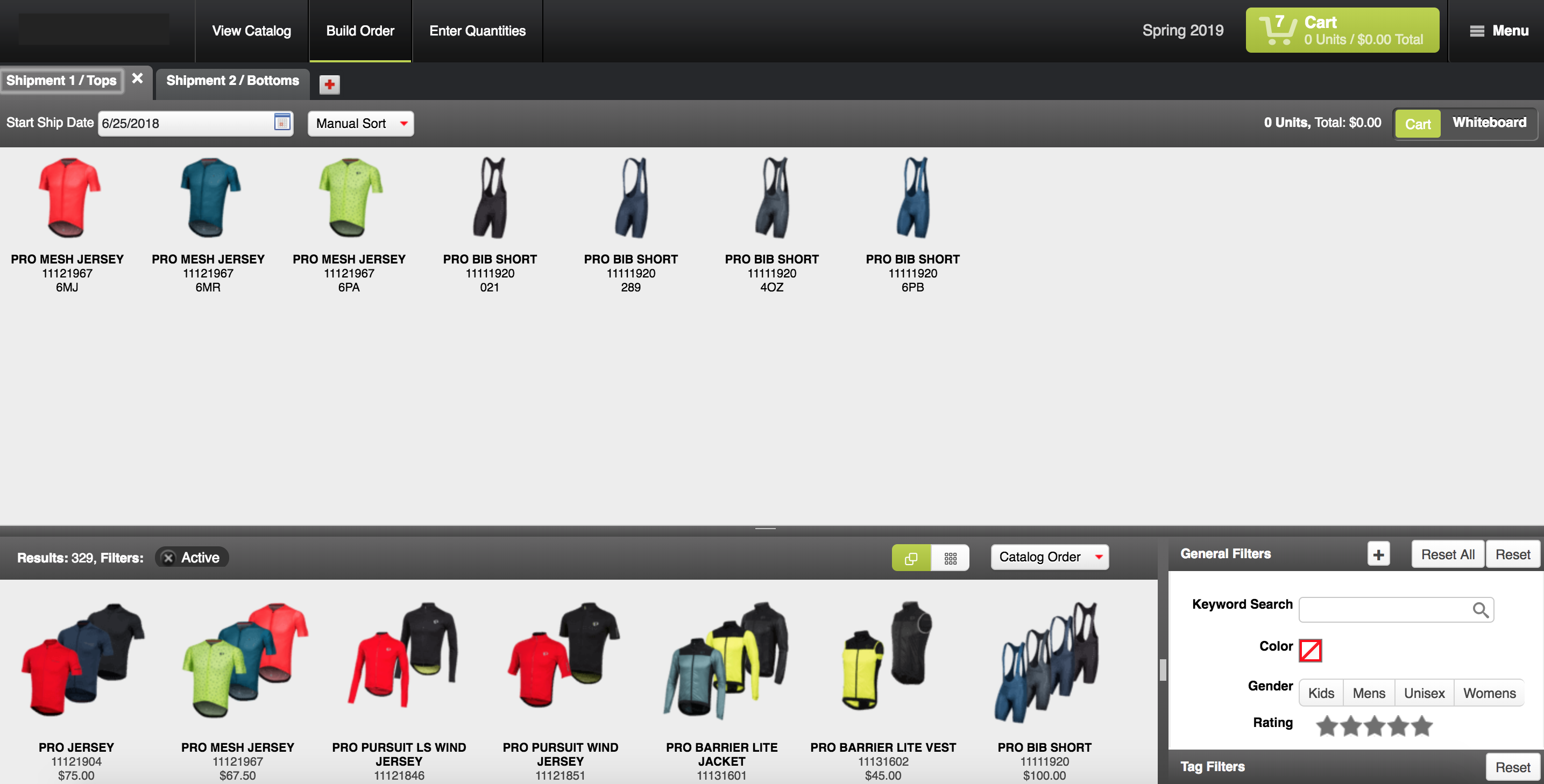
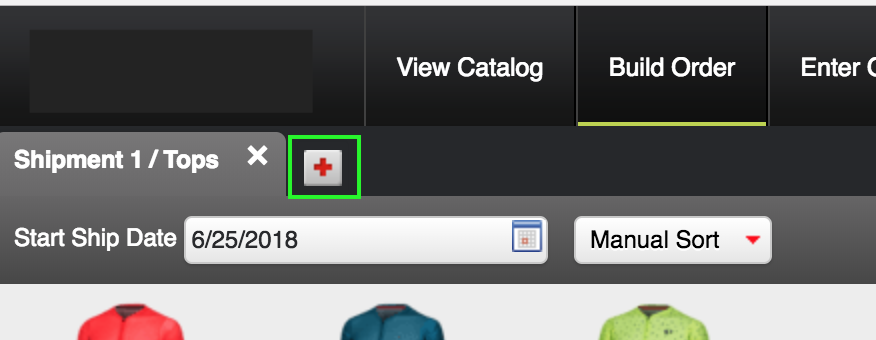
3. Create a Shipment 2 tab where you will be moving products over to:
4. Move some products from Shipment 1 to Shipment 2 by clicking and dragging them to the new tab (if you have multiple products, shift+click to multi-select then drag):
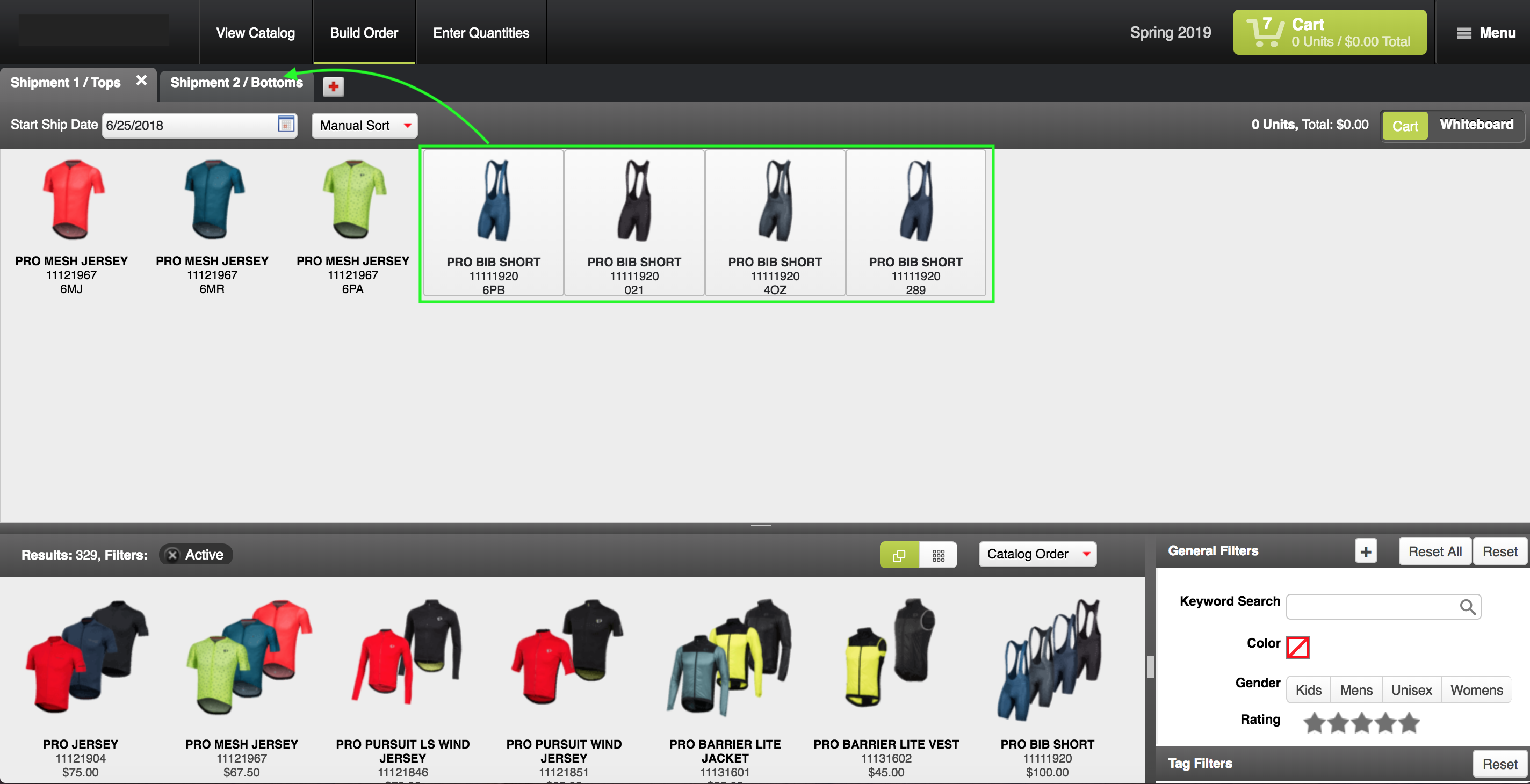
5. If you had added quantities before you moved the products, those quantities will move over as well.