
Our support pages have been provided in English, to translate to your desired language you can use the built-in translate function in Chrome or Firefox.
Create an Order Proposal Output
Generating a PDF of your order using the 'Table Layout' is a good way to send your dealer a hard copy of what was just discussed in a meeting, or what will be discussed in an upcoming meeting.
To Create an Order Proposal
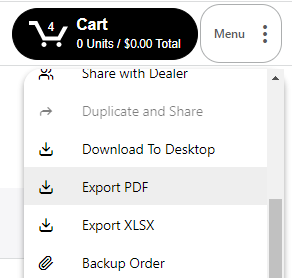
1. Go to the Menu drop-down and select 'Export PDF'. If there are no products in your cart, this option will not be available.
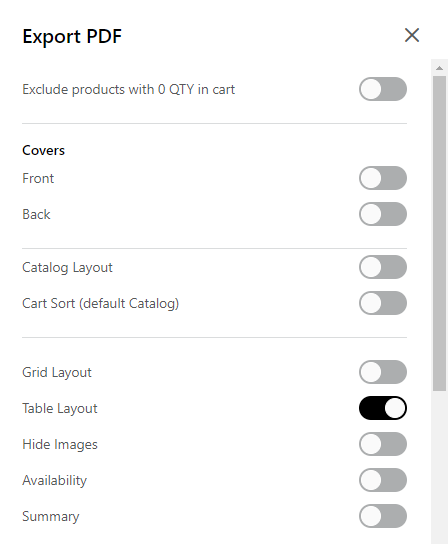
2. The 'Export PDF' modal will open. Make sure that 'Table Layout' is selected. Click 'Export PDF' in the bottom right corner.
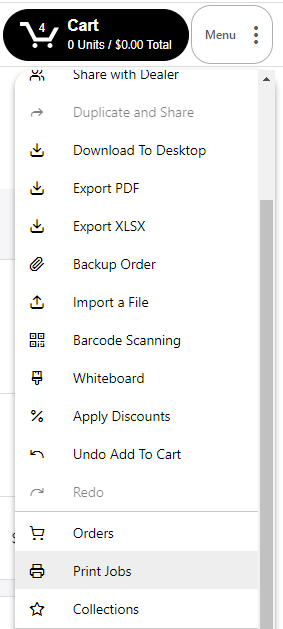
3. Go back to the menu and click 'Print Jobs'.
4. Your print jobs view will open - select the 'Order' tab to view all of your generated order PDFs.
5. Click on the Download button to the right to download the PDF to your desktop, or the link icon to share a link with someone.
