
Our support pages have been provided in English, to translate to your desired language you can use the built-in translate function in Chrome or Firefox.
Create a Collection Screen
A Collection is your own workbook of selected styles and colors from a base catalog. It can be tailored to fit a certain dealer or store. To create a Collection, from the dashboard, click 'Manage' and select 'Collections' from the menu. This will bring you to the Collections page where you can click 'New Collection'.
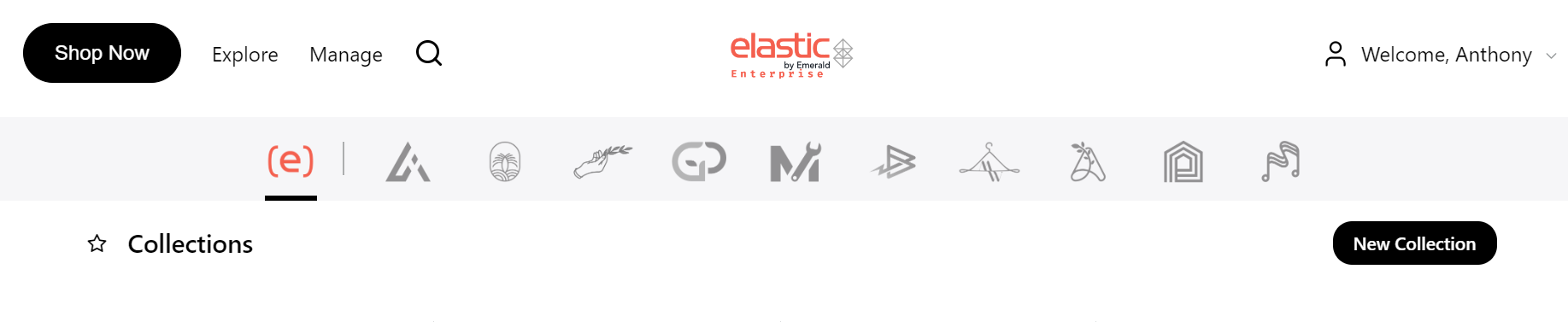
This brings you to a page where you can create a new Collection.
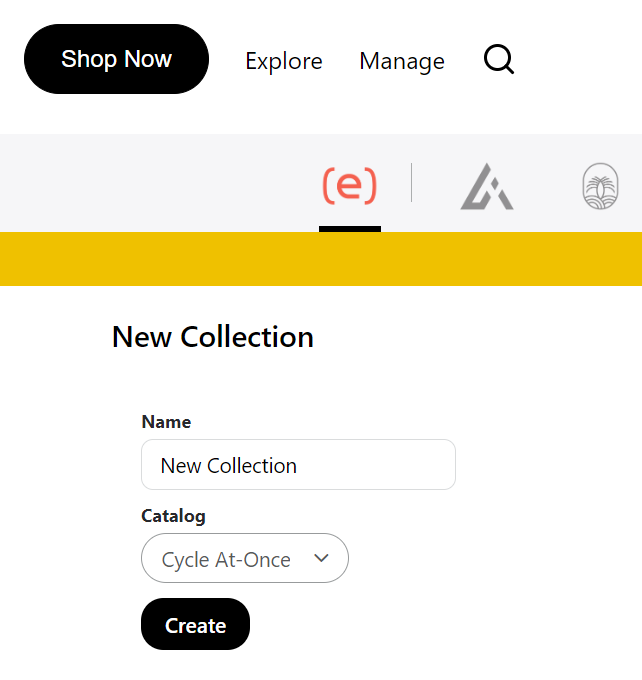
You can give your Collection a name. Giving a Collection a Name will make it easier to find and manage your Collections. Select the base catalog you would like to work in and click 'Create'. This will open up the Collections Builder and you can start building your assortment.